Features
Small tools, big calm.
Everything below works per project, from the dashboard card to the command palette.
Dashboard
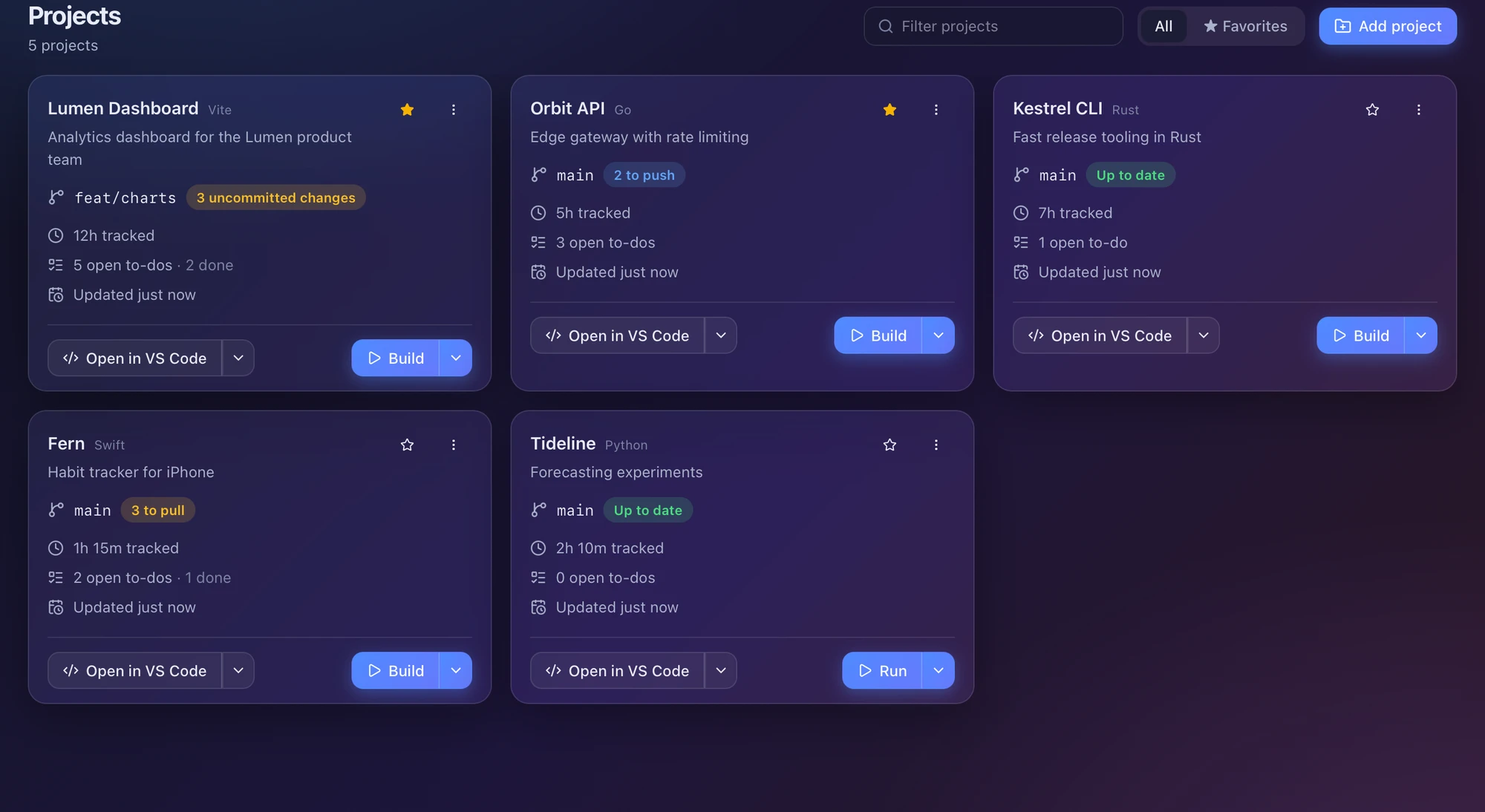
Every project on one screen.
Cards show the branch, its state, time tracked, open to-dos and when anything last changed. Starred and recent projects float to the top.
- Branch status refreshes when you return to the window, and every minute
- Open in your editor, or run the main command, from the card
- Filter by name or show only favourites
Git
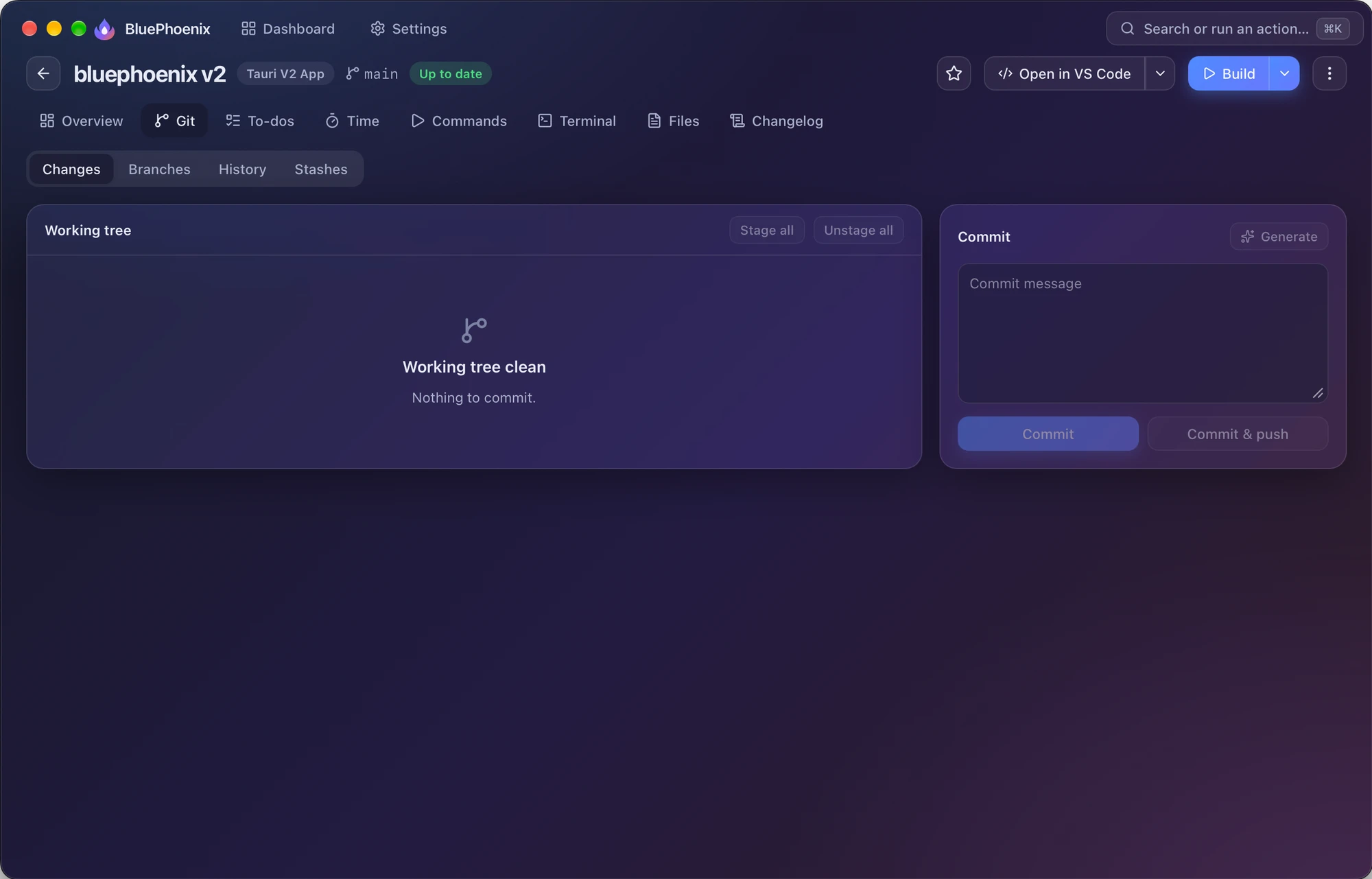
Stage, commit and branch without leaving.
It uses the git already on your machine, so your SSH keys and credential helper just work. BluePhoenix never asks for a password.
- Fetch, pull, push, stash and apply from the card, the page or ⌘K
- Stage per file, read the diff, commit or commit and push
- Create, switch, merge and delete branches; browse history and stashes
Commands & terminals
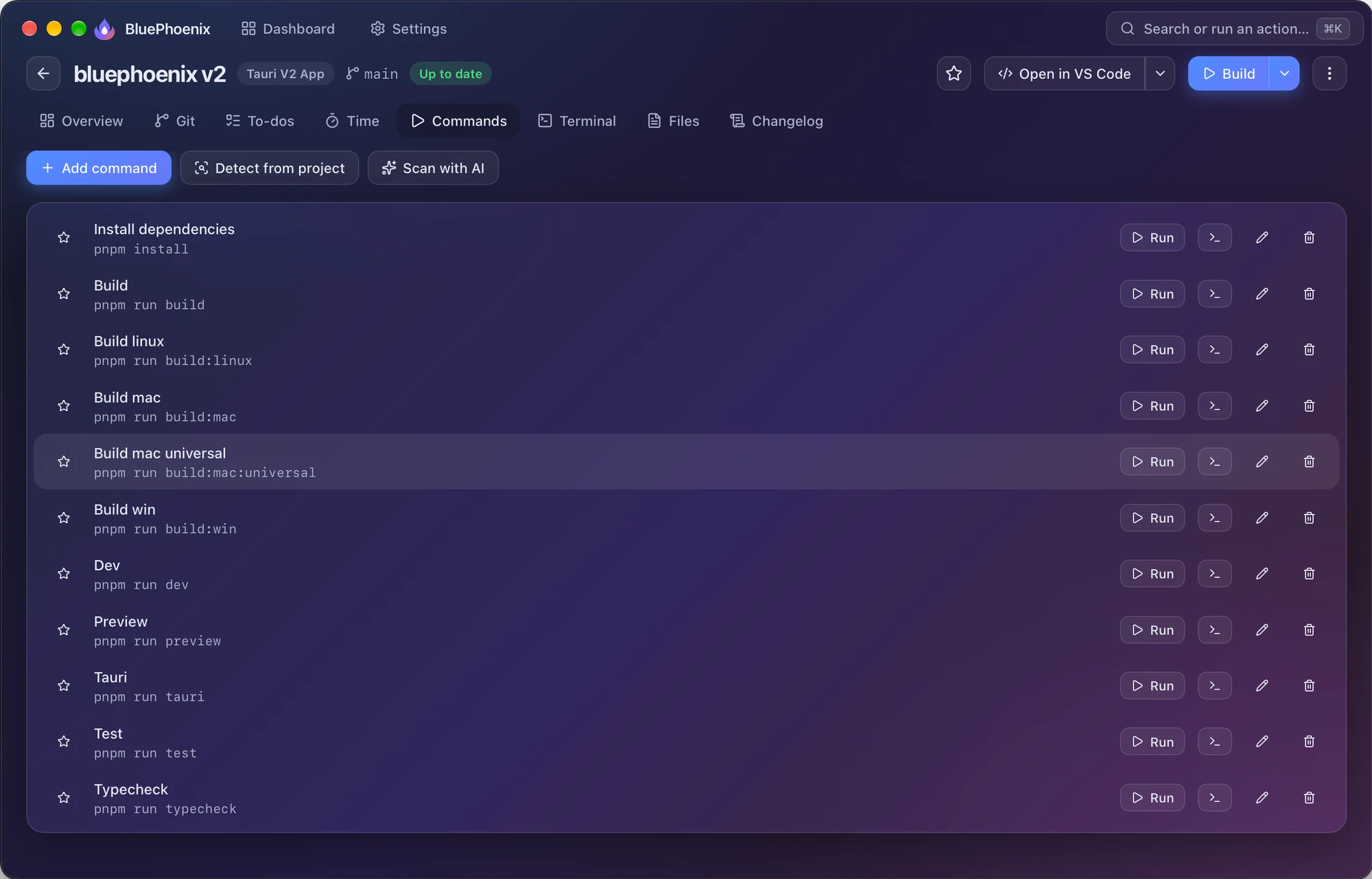
Build, run and open, one click each.
Commands are detected from package.json, Cargo, Makefile, justfile, Go, Maven, Gradle, Composer, Flutter, Docker Compose and more.
- Embedded terminals with several tabs that keep running as you switch projects
- Or send commands to Terminal, iTerm, Warp, Ghostty, kitty, WezTerm and more
- The blue button runs your main command; the arrow lists the rest
To-dos & pages
The plan lives next to the code.
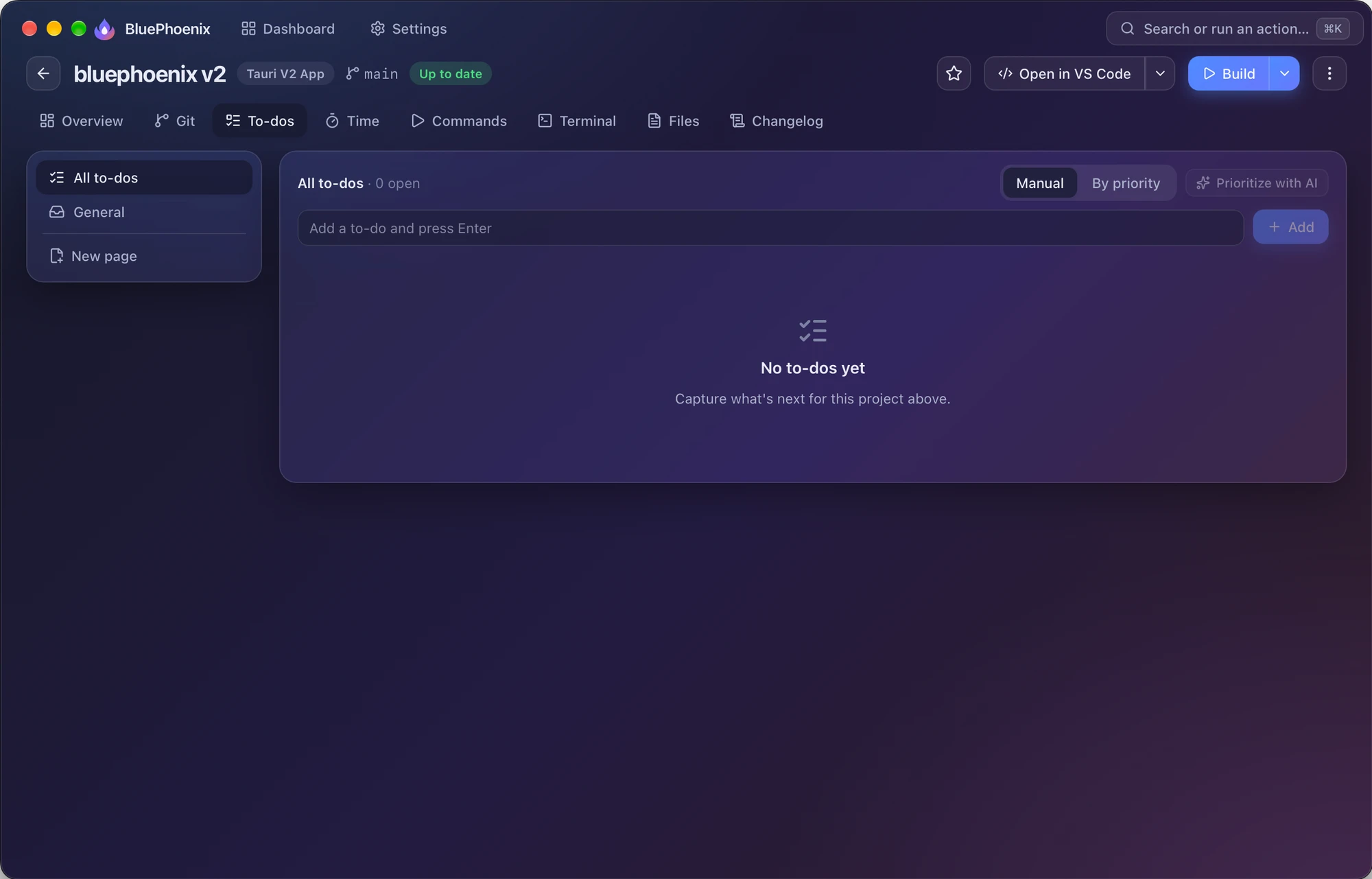
Per-project to-dos with status, priority, due date and Markdown notes, organised into pages such as Roadmap, Bugs or Exam prep.
- Markdown notes with Edit, Split and Preview
- Drag to reorder, or sort by priority
- Prioritise with AI, or turn a to-do into a prompt for a coding assistant
Time tracking
Log time with one tap.
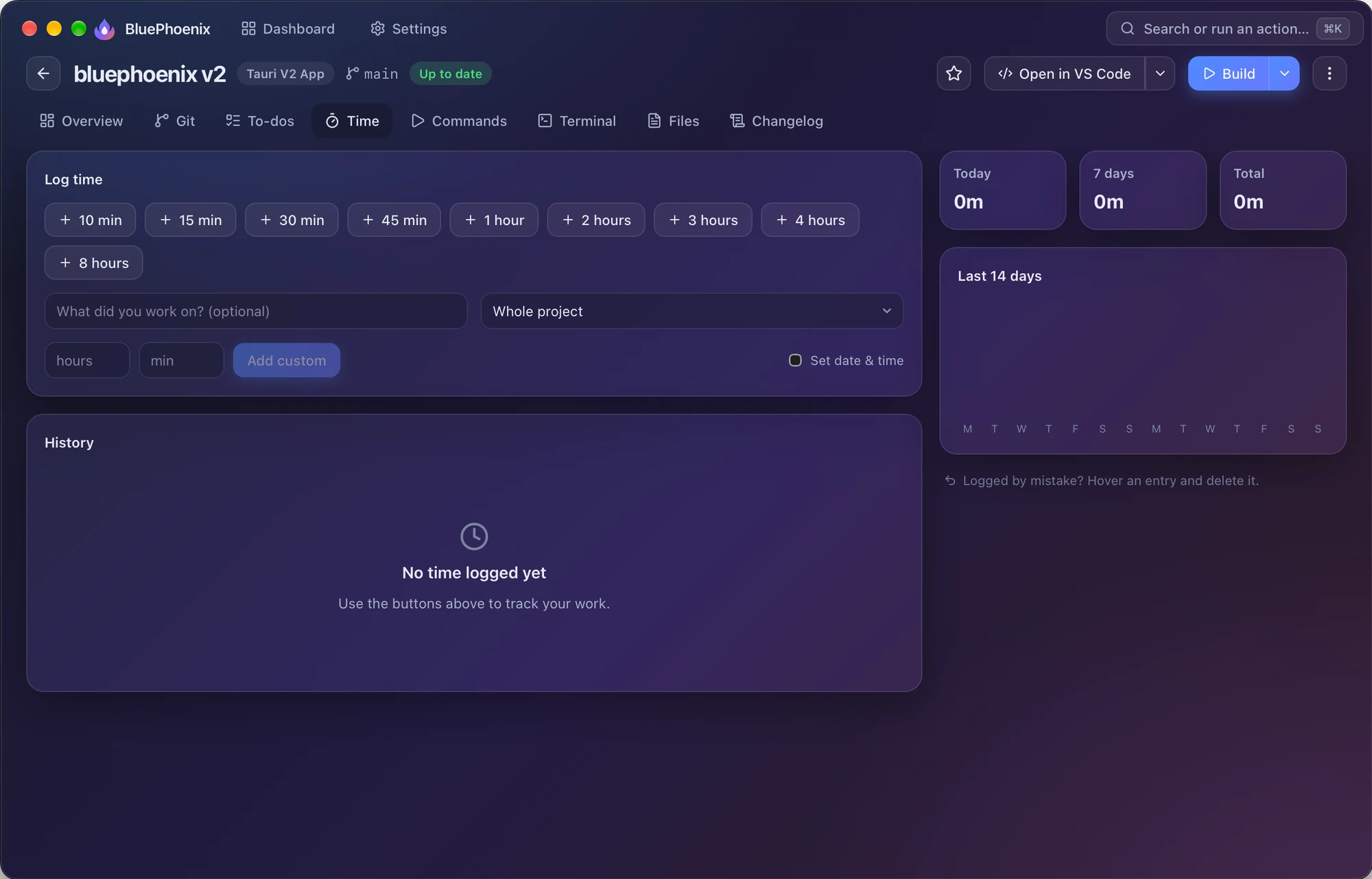
Press 10 min, 30 min, 1 hour, 4 hours and so on to add time right now, with an optional note and to-do. Or log it from ⌘K.
- Today, 7 days and total at a glance, plus a 14-day chart
- Back-date work you did earlier
- History grouped by day
Changelogs
Release notes from your git history.
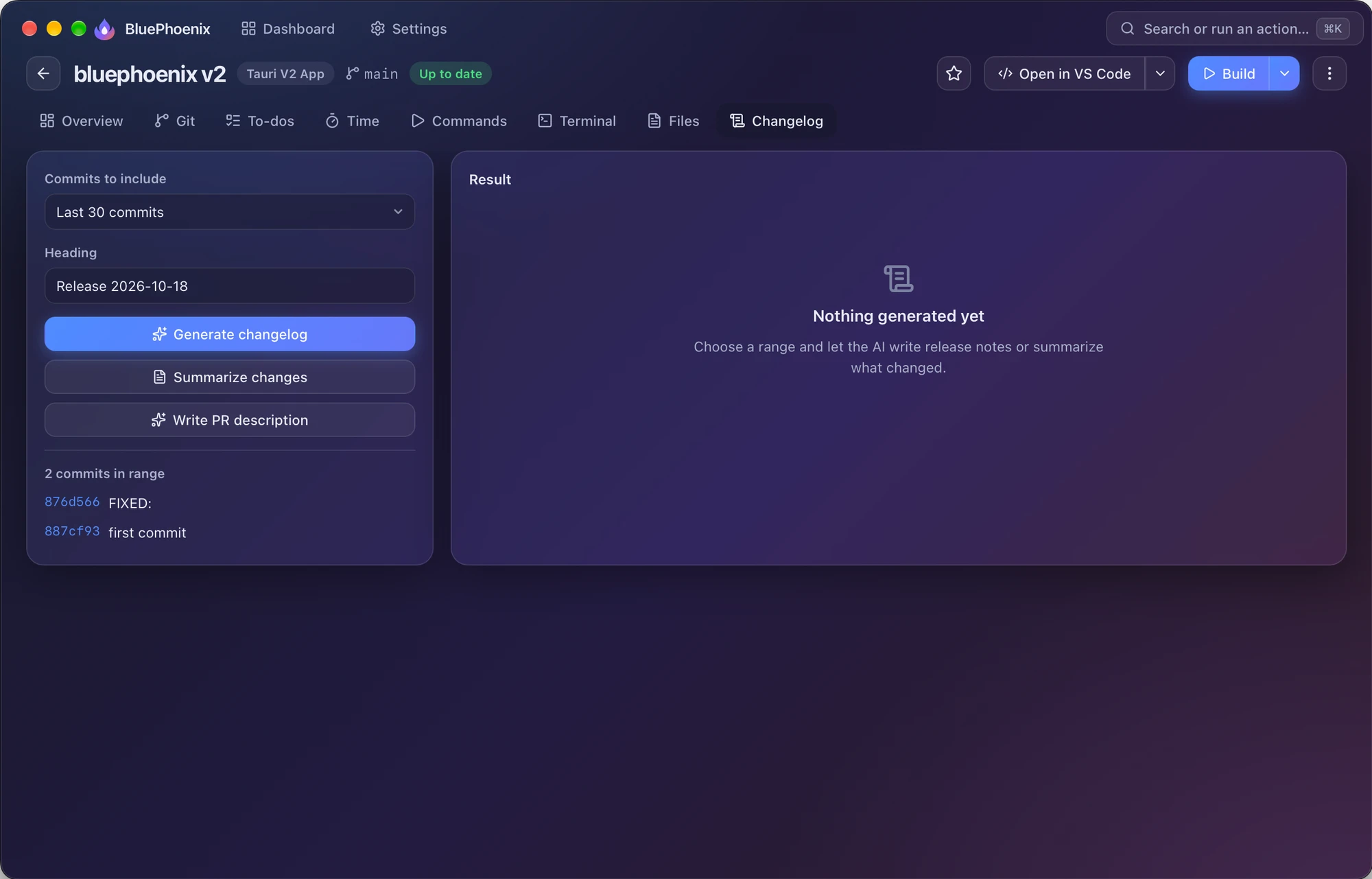
Choose the last 15, 30 or 100 commits, or everything since a tag, and let AI write notes grouped as Added, Changed, Fixed and Removed.
- A short summary for busy readers
- A pull-request description, drafted
- Copy as Markdown into your release or CHANGELOG
Files
Find and open any file.
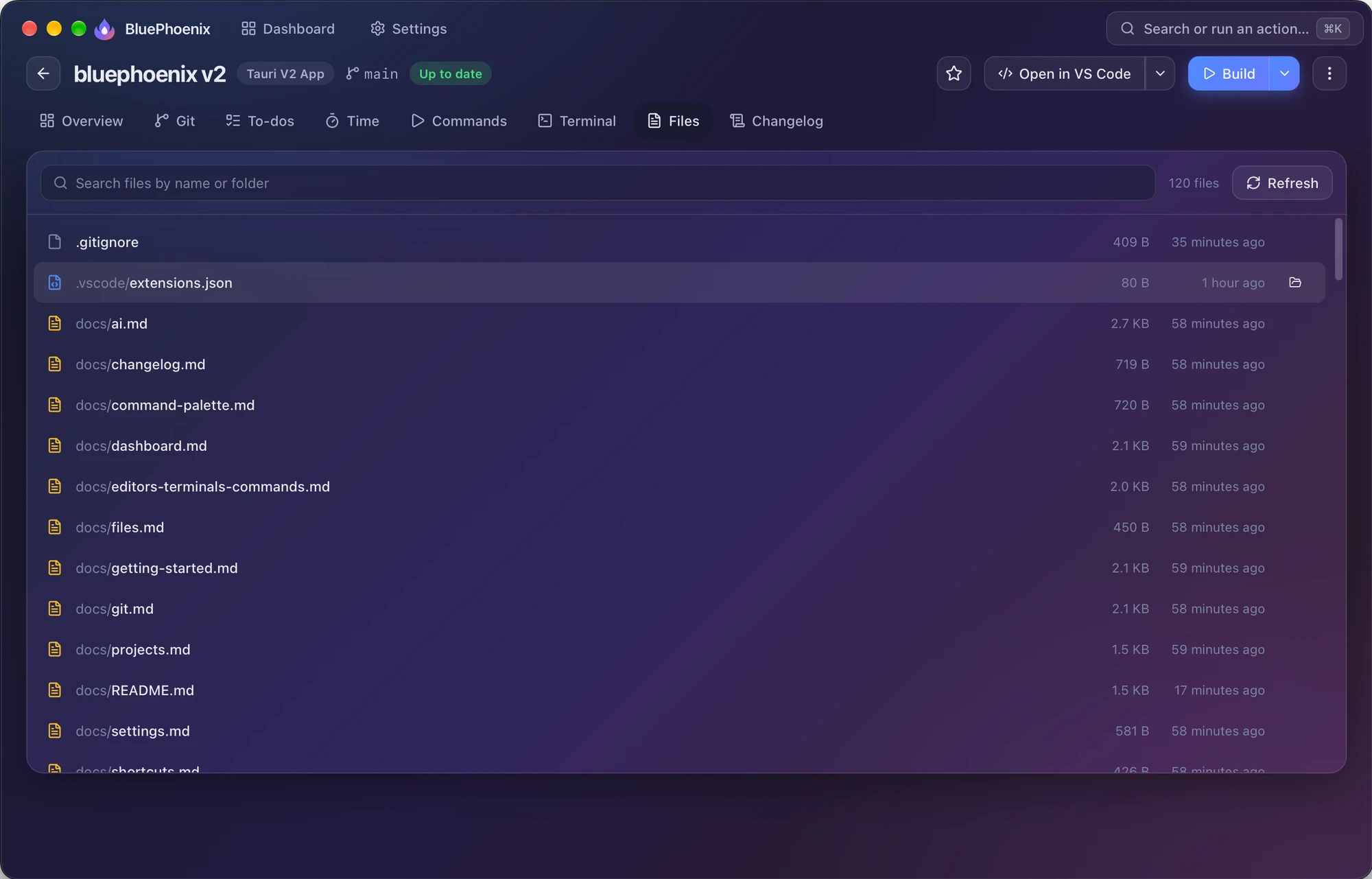
Search every file in the project (ignoring .gitignore, .git and node_modules) and open it in your editor, or reveal it in Finder or Explorer.
- Indexes up to 100,000 files per project
- Substring search across the full path
Settings & sync
Make it yours. Take it with you.
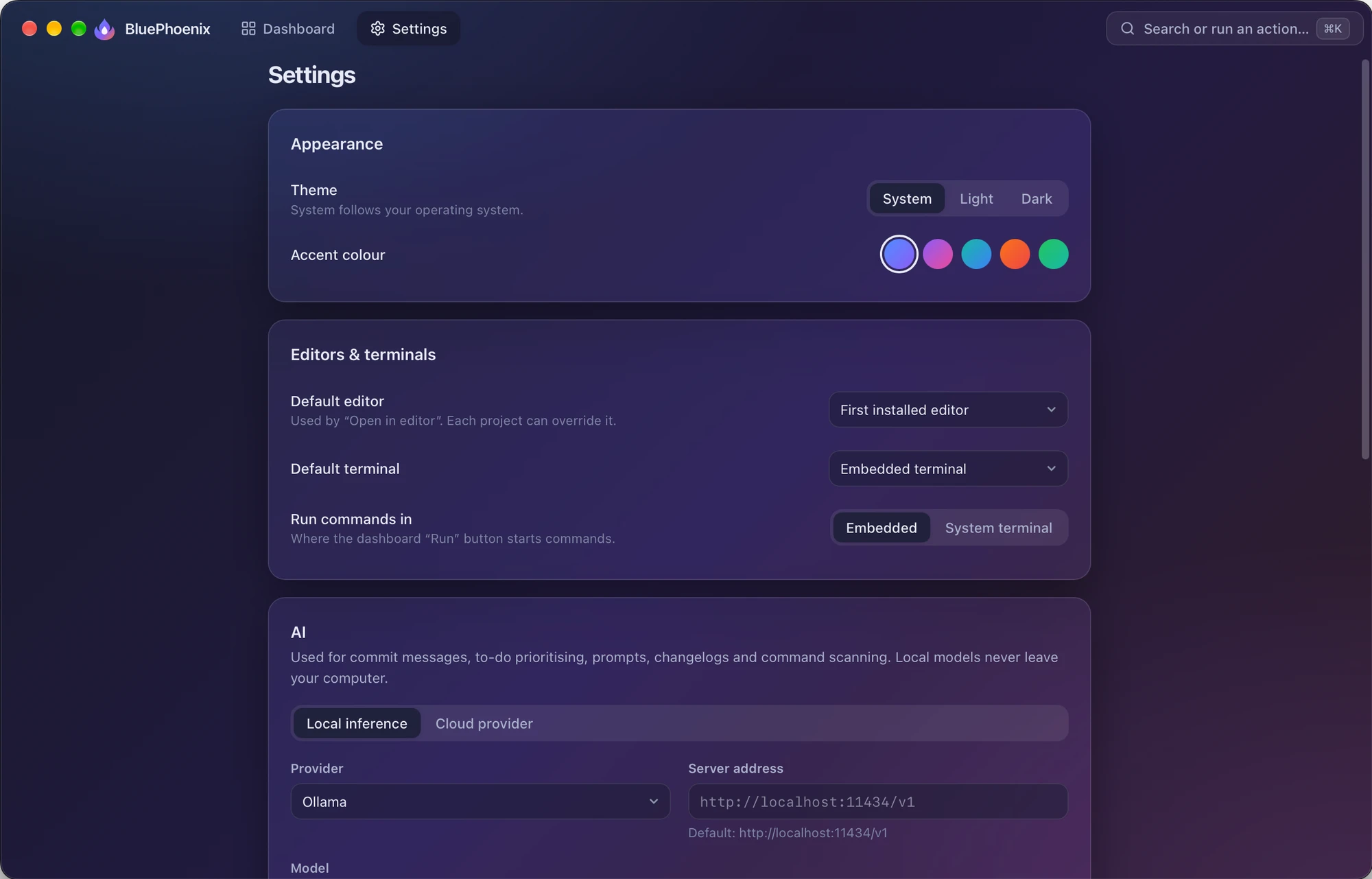
System, light or dark theme with five accent pairs, global default editor and terminal, AI provider and your own sync database.
- Per-project editor and terminal overrides
- Cloud sync to your PostgreSQL database and the iPhone app
- Updates checked at launch, installed on your terms